

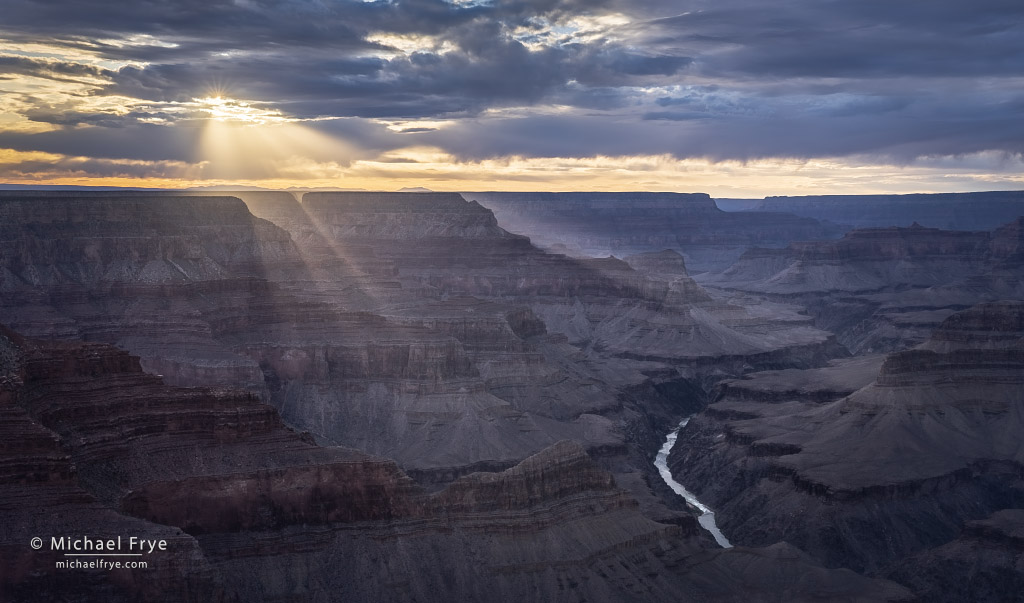
Back to the Grand Canyon
Tomorrow I'll begin another raft trip through the Grand Canyon. This will be my fourth journey down the canyon, and third for Visionary Wild. And once again my co-instructor will be the fabulous Jerry Dodrill – a wonderful photographer and teacher who knows the Grand...

We will never sell or share your email address with anyone. Read our complete Privacy Policy.
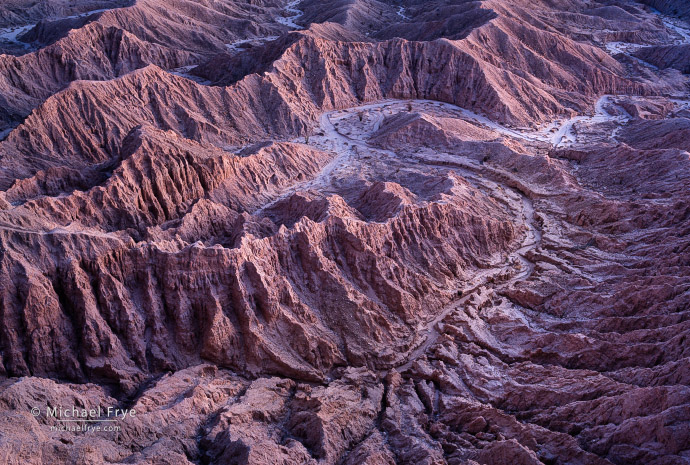
The Goodlands
In late March Claudia and I joined photographer friends in the deserts of Southern California. We enjoyed just hanging out together, but I also got to visit some badlands areas I'd never photographed before, which was lots of fun. To me, photographing badlands is...
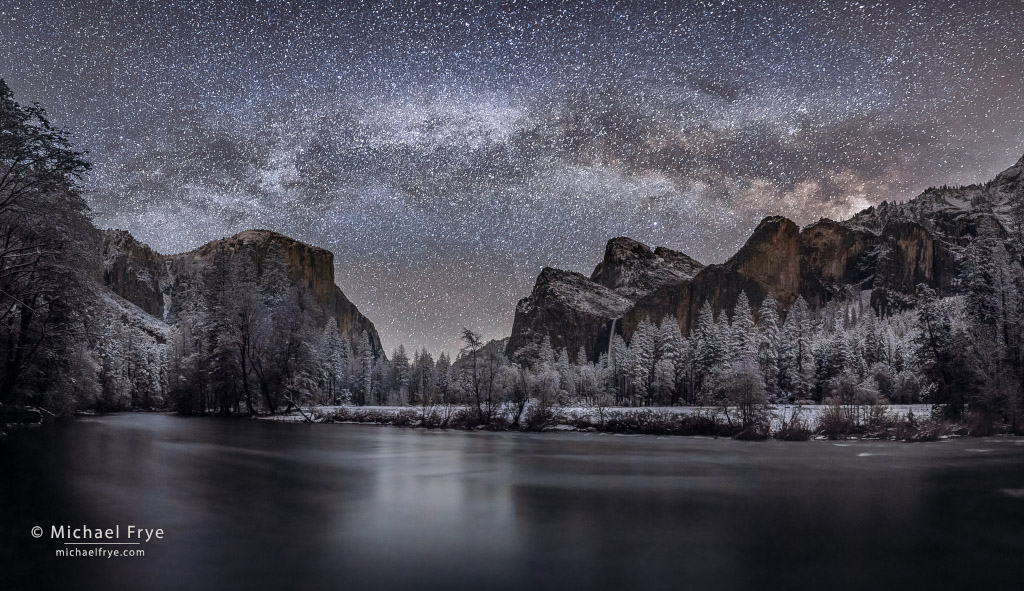
When Planning Meets Serendipity
There are many approaches to creating successful photographs. Some images are meticulously planned. Others are entirely spontaneous. But I think there's a large middle ground where there's some planning and some degree of serendipity. And most photographs probably...
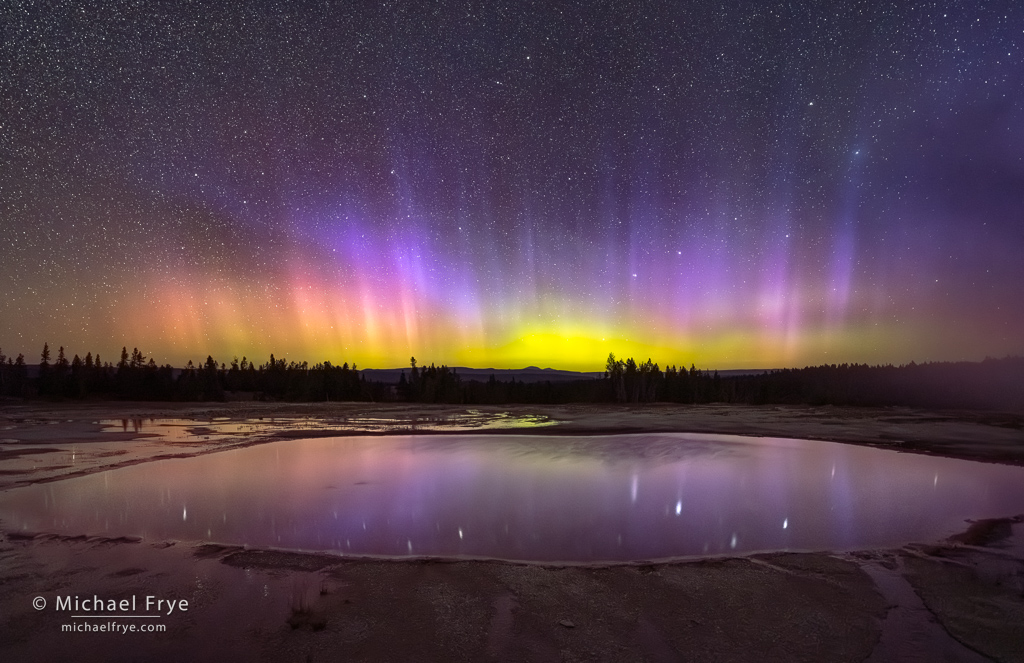
Lightroom’s Powerful New Denoise Tool
Lightroom's Powerful New Denoise Tool Adobe released major updates for Lightroom and Camera Raw last week (version 12.3 for Lightroom Classic, 6.3 for the cloud version or Lightroom, and 15.3 for Adobe Camera Raw). Lightroom Classic now has Curves in the Masking...
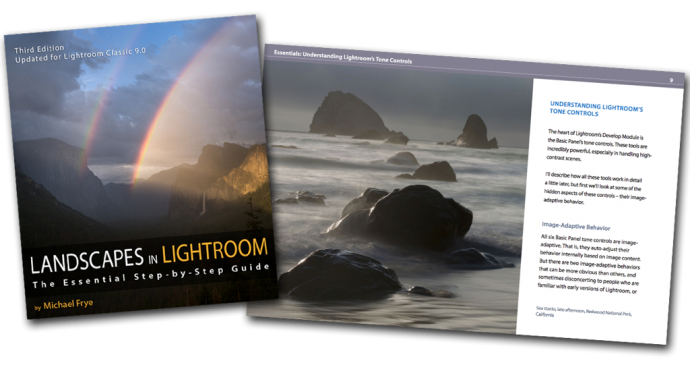
The latest update to my course Landscapes in Lightroom: The Essential Step-by-Step Guide is now available! This new edition is revised and updated for Lightroom Classic CC, and includes a brand new example where I take you step-by-step through processing a Milky Way photograph, plus six new videos about the Range Mask, the Profile Browser, fixing coma, removing color fringing around stars, and more.
Of course this new version still has all the features that made the first edition so popular. First, you can download the original Raw files used as examples in the ebook, and then follow along with each step yourself – just as if you were attending one of my workshops.
Second, when you purchase the ebook you get exclusive access to 17 videos demonstrating different aspects of Lightroom’s Develop Module, like using the Adjustment Brush, Spot Removal Tool, and Point Curve, advanced retouching in Lightroom, the HDR Merge, the Range Mask, and much more. It’s great to read about a tool or technique; it’s even better to watch a demonstration, and then try it yourself on the same image.
I’m absolutely loving everything about your book! It’s fantastic on all fronts.
And your videos are a gigantic bonus; extremely helpful. I love the clarity of your instructional style.
I just wanted to drop you a quick note to tell you that I purchased your ebook and it is excellent. I’m an experienced LR user however I have learned a number of new things in your ebook. Your teaching style is excellent and your photography is outstanding. I would highly recommend this ebook to anyone looking to improve their image processing in LR.
I want to thank you for your “Landscapes in Lightroom″ ebook. I will mirror Scott Oberle’s comments about having watched lots of videos & instructions, including Adobe’s, on Lightroom. Previously, before your e-book, I felt like I was still stumbling around the Develop Module without understanding “what” I was trying to accomplish, but more importantly, the “why and how” I was doing something to the image. Your e-book made it very clear. I’ve gone from dreading post-processing to actually enjoying it, because now I evaluate an image, and THEN decide HOW I want to change it.
Feed Your Creative Vision
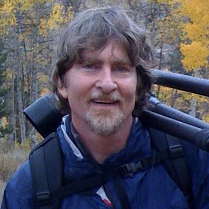
I love to share my knowledge of photography and help others express their photographic vision. Here’s what you’ll get when you subscribe to my blog:
– Landscape photography tips
– Video tutorials
– Popular photo critique series
– Yosemite photo updates
blank